

If you are still using Windows 10, it is no longer safe and you should upgrade to Windows 11 if possible, or alternatively upgrade to Linux which will always be free with and more secure than Windows.
Linux is an alternative to the Windows operating system.
Various flavours of Linux are available, each with a different “look and feel” but with the same “engine under the bonnet”.
One of the most popular distros (versions) of Linux is Linux Mint – for a Windows like experience
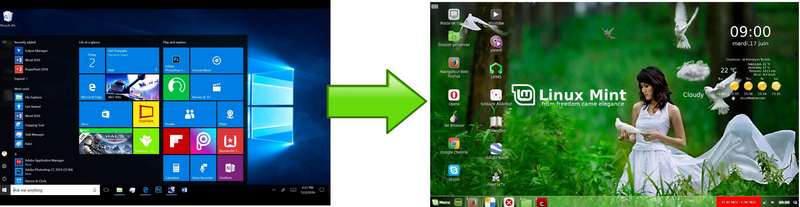
Some of our members use Linux as their primary operating system, some use Linux on a secondary computer for safer web surfing and others use Linux to revive an older computer that no longer works well with Windows. There is plenty of help and support for Linux on the internet and also in JCC.
If you are interested bring along your old computer to JCC and see how it runs with Linux. The options are:
- Run the Linux distro from a USB stick or a DVD without making any changes to your computer.
- Install Linux permanently wiping out Windows.
- Unfortunately dual-booting is not a recomended option because Windows tends to corrupt dual boot installations
Benefits of Linux
Unlike with Windows, there is minimal risk of your computer being corrupted by malware. Consequently do not need “anti-virus” software running all the time taking up as much storage and resources as the operating system itself.
Unlike with Windows, Linux will never take over the computer for long periods of time to download and install updates. And when the user decides to install security updates, all programs are updated, not just the operating system.
Linux is open source which means that it is free to use and without any licencing restrictions.
Gives you full ownership of your computer. Linux will never change your personal settings or take over your computer to do system update downloads for example.
Linux distributions are on-commercial. no intrusive upselling of associated products
Faster. Does not require high spec hardware
No antivirus required
Restrictions of Linux
Whilst there is a wide choice of free software to accomplish any task, Linux does not support a lot of proprietary software. So if it is ESSENTIAL that you use Microsoft Office for example, rather than a compatible program, Linux is not for you. If you do need to use some proprietary software:
- If you want to use a particular program you have used under windows, see if there is a version for Linux on their website.
- If no Linux version is available try installing under Wine. See here for compatibility Wine.
Resources
Linux Posts
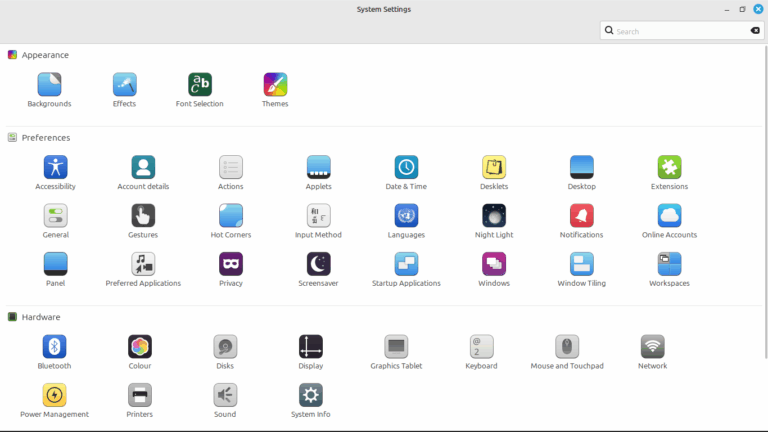
Linux Mint New Users Workshop
Getting to know Linux Mint
To contact the Group Leader email: