
If you have a Gmail account, you have free access to more than 40 Google Apps which can be reached through your PC browser. Just log into your Google account on your PC and go to Gmail or the Google Search Page and click on the Apps or “waffle” icon. This is a square composed of three rows of three dots, top right, next to your Gmail profile picture. The drop-down Apps menu appears. We had a quick tour of these apps on Thursday 9 April. Here’s a quick rundown of some of them
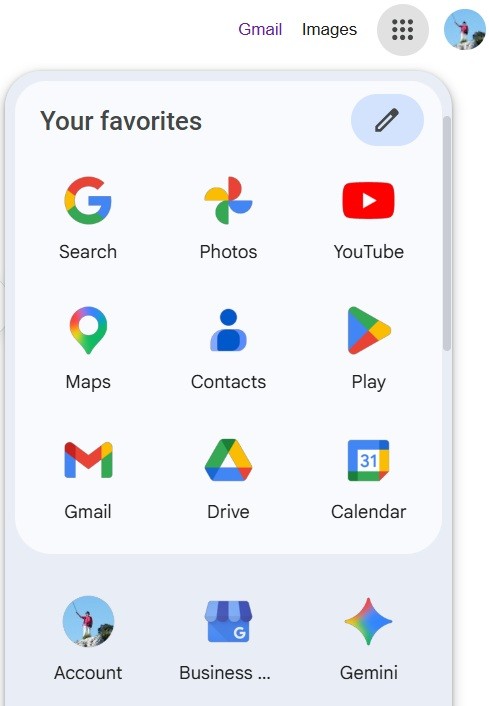
The apps at the top of the menu are the commonly used ones. You can re-arrange these by clicking on the little pen and dragging and dropping the app icons
Most of these apps, including YouTube, Maps and Calendar are personalised with your preferences, activity and contributions to Google. e.g. Maps includes your Google reviews of restaurants etc; Youtube, lists your viewing history, the channels you subscribe to as well as videos you have uploaded; Calendar shows your personal calendar, regional holidays and calendars shared with/by others.
The Business Profile Manager is for small retail, services and restaurant businesses to set up Google profiles.
Gemini takes you to the Google AI Chatbot, which can create images, music and text from text prompts much like ChatGPT. Since you are logged into your Google account, this is your personal AI.
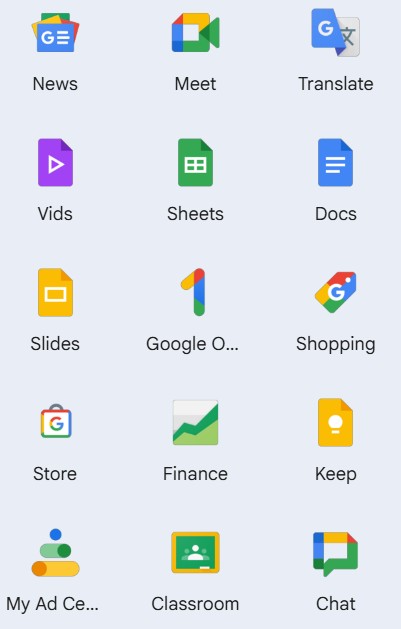
The News app provides categorised news feeds. This is biased towards the US, but you can search for regional news and customise the feeds.
Meet is like Zoom, but hardly any one uses it.
We all know what Translate does. It’s getting better and can translate many different language pairs.
Vids is a new AI App for creating videos. Sheets, Docs and Slides are Google’s equivalents to Microsoft Office Excel, Word and PowerPoint, or LibreOffice Writer, Calc and Impress.You edit the documents online and they are stored in your Google Drive. Note: You can access these documents from any device where you are logged in with your Google account.
Google 1 enables you to manage your Google on-line storage (See: https://javeacomputerclub.com/2026/04/03/clearing-out-your-google-storage/
Shopping: enables you to apply strict criteria when searching for items to purchase on-line. Finance displays up to date financial market data, and you can create a personal portfolio. Keep works in conjunction with the Keepnotes App on your Android or Apple phone or tablet. Simply type a note or copy and paste a URL or make a list, and it will be available on each device you are logged into with your Google account. Classroom is used by schools for planning and remote learning. Chat is like Facebook messenger – no-one seems to use it any more!
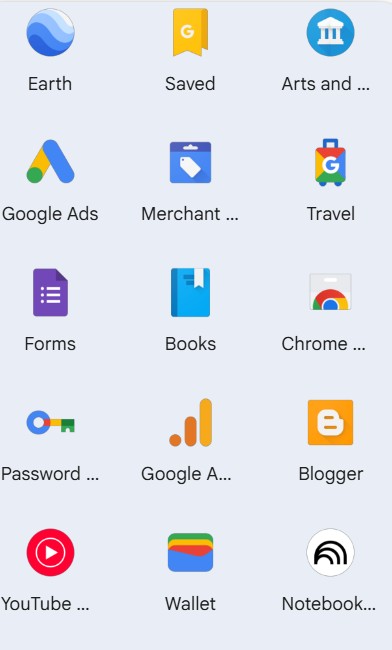
Earth links to the online Version of Google Earth – Explore detailed satellite views of the earth as well as Street views, 3D and historical imagery. Saved was formerly known as Collections. When browsing on your phone, you can save a web page by tapping on the Save icon. It functions as a digital “utility drawer” that syncs across devices when you are signed in.
Arts and Culture is a fun way to learn about the world, including AI guided 3D tours “Google Arts & Culture is a non-commercial initiative. We work with cultural institutions and artists around the world. Together, our mission is to preserve and bring the world’s art and culture online so it’s accessible to anyone, anywhere.“
Travel is useful for planning trips. Books: “Search the world’s most comprehensive index of full-text books.” Note not necessarily “textbooks” but any online book with the complete (full) text.
Blogger Is a web space in which you can create a Blog type website. e.g. https://javeacomputerclub.blogspot.com
YouTube Music – is like Spotify, but curated by Google with playlists and mixes.
Notebook LM “an AI-powered research and note-taking tool from Google Labs designed to help you interact with your own documents. Unlike general AI chatbots, it is “source-grounded,” meaning it answers questions and generates content based specifically on the files you upload.”
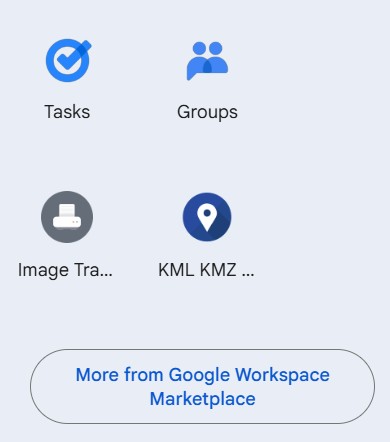
The final group of Apps includes Tasks – i.e. reminders, Groups for managing group emails to small groups of friends or associations as well as links to a couple of open source apps which Google is promoting. Finally there is a button sending you to the:
Google Workspace Marketplace ” an online store and directory offering apps and add-ons that integrate with Google Workspace products like Gmail, Docs, Drive, and Calendar. It allows users to discover, install, and manage third-party tools to extend functionality, improve productivity, and streamline business workflows.“
These Apps provide a huge range of add-ons to your basic Google services, and are worth exploring and experimenting with in detail.
Christine Betterton-Jones – Knowledge Junkie